Vocal Remover AI Free: What Works, What Fails, and How To Get Cleaner Stems
Free AI vocal removers can split vocals and instrumental from audio you own or have permission to use, but they are not magic. Learn limits, file prep, review checks, and cleaner stem workflows.
Browser Vocal Removal
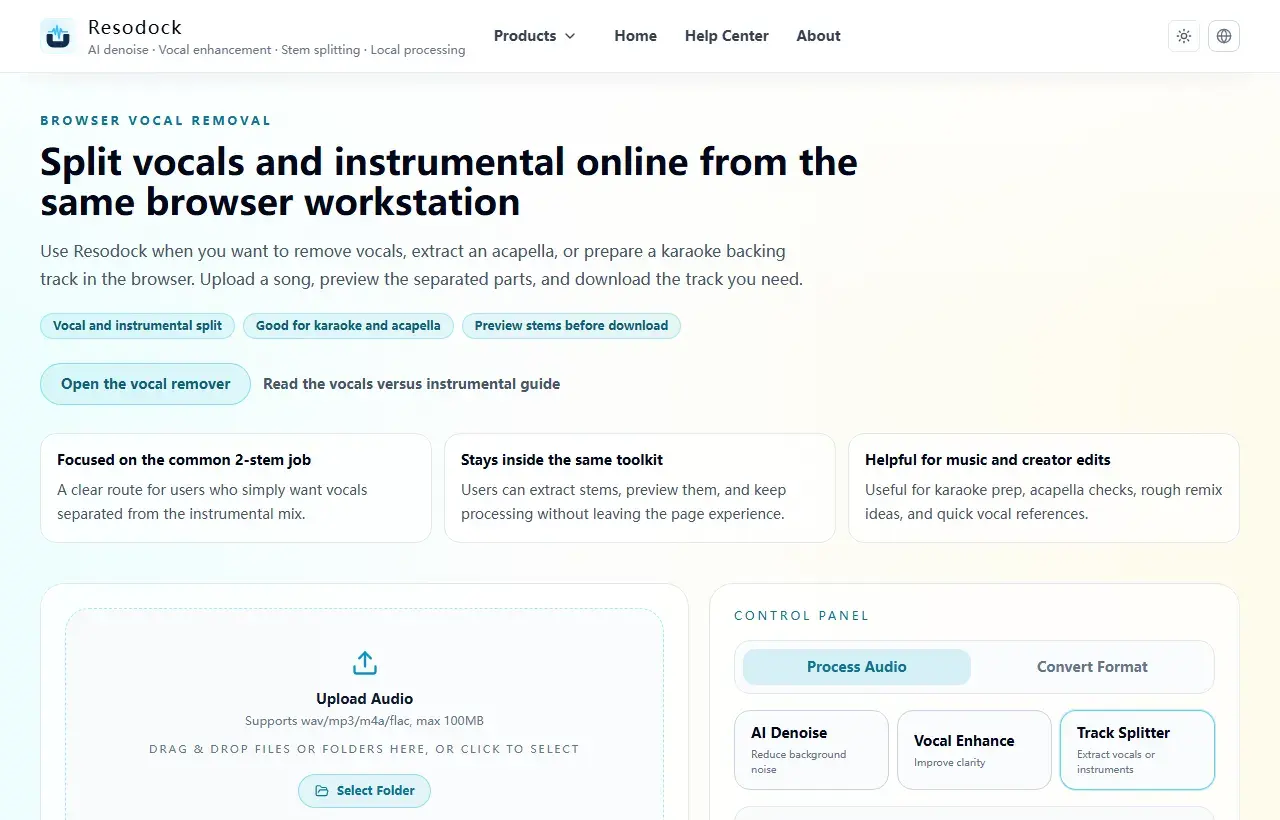
Split vocals and instrumental online from the same browser workstation
Separate vocals and instrumental online without a heavy setup. Use Resodock's browser-based vocal remover for karaoke prep, acapella extraction, and quick stem previews.
When vocal remover AI free tools make sense
A vocal remover AI free tool is useful when you have an audio file you own or have permission to process and want a quick vocal and instrumental split. Common uses include practice tracks, cover drafts, remix learning, content cleanup, and checking one part of a song.
This is not a web video downloader and should not be used to bypass copyright restrictions. Upload local audio files you are allowed to process.
Split it
Separate vocals and instrumental first
When the article is about vocals, backing tracks, covers, or acapella material, two-stem separation is the fastest place to start.
- 1Open the vocal remover.
- 2Upload the music file.
- 3Start separation and let the browser generate the result.
- 4Preview vocals and instrumental separately, then download what you need.
What an AI vocal remover can do
An AI vocal remover tries to separate a finished mix into a vocal stem and an instrumental stem. Some workflows can also create drums, bass, and other stems.
Results are usually cleaner when the song has centered vocals, a simpler arrangement, and less crowded backing. Dense synths, heavy reverb, stacked harmonies, and strong compression make separation harder.
Why bleed and artifacts happen
AI does not receive the original multitrack session. It estimates which parts of the finished mix sound like vocals and which parts sound like instruments. That is why instrumental bleed, brittle consonants, missing tails, and watery artifacts can appear.
Free tools may also have file size, processing time, and browser performance limits. For long songs, test a short section first.
How to get cleaner stems
Start with the best source file you have and avoid audio that has been compressed many times. After separation, listen to the chorus, dense drum sections, low end, and vocal tails because those reveal problems quickly.
If you only need instrumental, focus on remaining vocal traces. If you need acapella, focus on instrumental bleed. Export WAV when the stem will go into another editing step.
Summary
Free AI vocal removal is a fast way to create vocal and instrumental drafts, but it is not the same as recovering the original studio stems.
Use audio you are allowed to process, test a short section, listen for bleed and artifacts, then decide whether to process the full file.
Related Articles
Stem Separation
Acapella Extractor and Vocal Isolator Online: How to Use a Vocal Remover
Acapella extraction can isolate vocals from audio you are allowed to process, but the result is usually a usable draft, not the original studio stem.
Stem Separation
How To Split Vocals And Instrumental Online And Export Multiple Stems
If you want vocals, instrumental, or full stems quickly, this guide focuses on mode selection and export steps.
Stem Separation
How To Isolate Karaoke Instrumental For Free
From mode selection to export format, this guide helps you avoid broken instrumental artifacts.
FAQ
Can a vocal remover AI free tool remove vocals perfectly?
Not always. Complex mixes can leave vocal traces or damage instrumental tone, so you should preview the result.
Can it process YouTube links?
Resodock vocal removal is for audio files on your device. It does not download web videos. Use files you are allowed to process.
Should I export MP3 or WAV?
Use MP3 for quick sharing or previews. Use WAV when the stem will go into mixing, cleanup, or further editing.