How To Isolate Karaoke Instrumental For Free
A practical vocal-removal workflow for karaoke practice and creator use cases.
Browser Vocal Removal
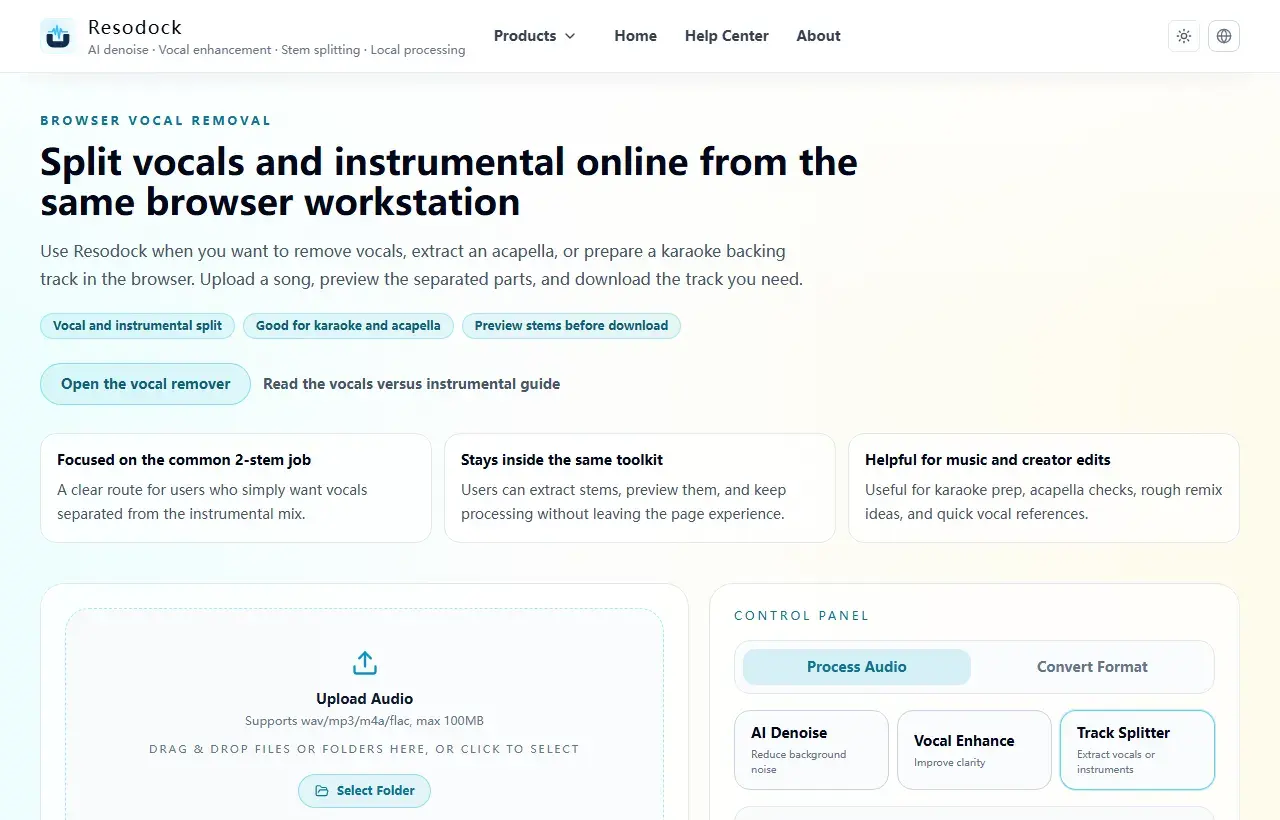
Split vocals and instrumental online from the same browser workstation
Separate vocals and instrumental online without a heavy setup. Use Resodock's browser-based vocal remover for karaoke prep, acapella extraction, and quick stem previews.
Pick the right separation mode first
If you only need instrumental, start with basic two-stem separation (vocal + instrumental). It is usually faster and more stable.
For complex arrangements, test advanced separation and compare which output stem best matches your karaoke target.
Split it
Separate vocals and instrumental first
When the article is about vocals, backing tracks, covers, or acapella material, two-stem separation is the fastest place to start.
- 1Open the vocal remover.
- 2Upload the music file.
- 3Start separation and let the browser generate the result.
- 4Preview vocals and instrumental separately, then download what you need.
Export and cleanup tips
Use MP3 for lightweight playback practice, and keep WAV/FLAC when you need post-production flexibility.
If faint vocals remain, apply a light cleanup pass after separation instead of repeatedly running aggressive separation.
Summary
Before separating stems, decide what you need. Use two-stem separation for vocals and instrumental, and four-stem separation when drums, bass, and other parts matter.
Complex mixes can leave artifacts, so preview a short section first. Once the result is useful, download only the tracks you need for the next edit.
Related Articles
Stem Separation
Acapella Extractor and Vocal Isolator Online: How to Use a Vocal Remover
Acapella extraction can isolate vocals from audio you are allowed to process, but the result is usually a usable draft, not the original studio stem.
Stem Separation
How To Split Vocals And Instrumental Online And Export Multiple Stems
If you want vocals, instrumental, or full stems quickly, this guide focuses on mode selection and export steps.
Stem Separation
How To Extract Dialogue From Video Clips
From media import to dialogue export, this guide focuses on the shortest reliable path.
FAQ
Why does instrumental sometimes sound dull after separation?
This often comes from over-aggressive settings or wrong mode choice. Try basic mode first, then apply light cleanup.
Should I export MP3 or WAV for karaoke?
MP3 is fine for regular practice. Keep WAV if you need editing, remixing, or further mastering.