How To Split Vocals And Instrumental Online And Export Multiple Stems
A practical guide to two-stem and four-stem separation for vocal extraction, instrumental export, and multitrack post work.
Browser Vocal Removal
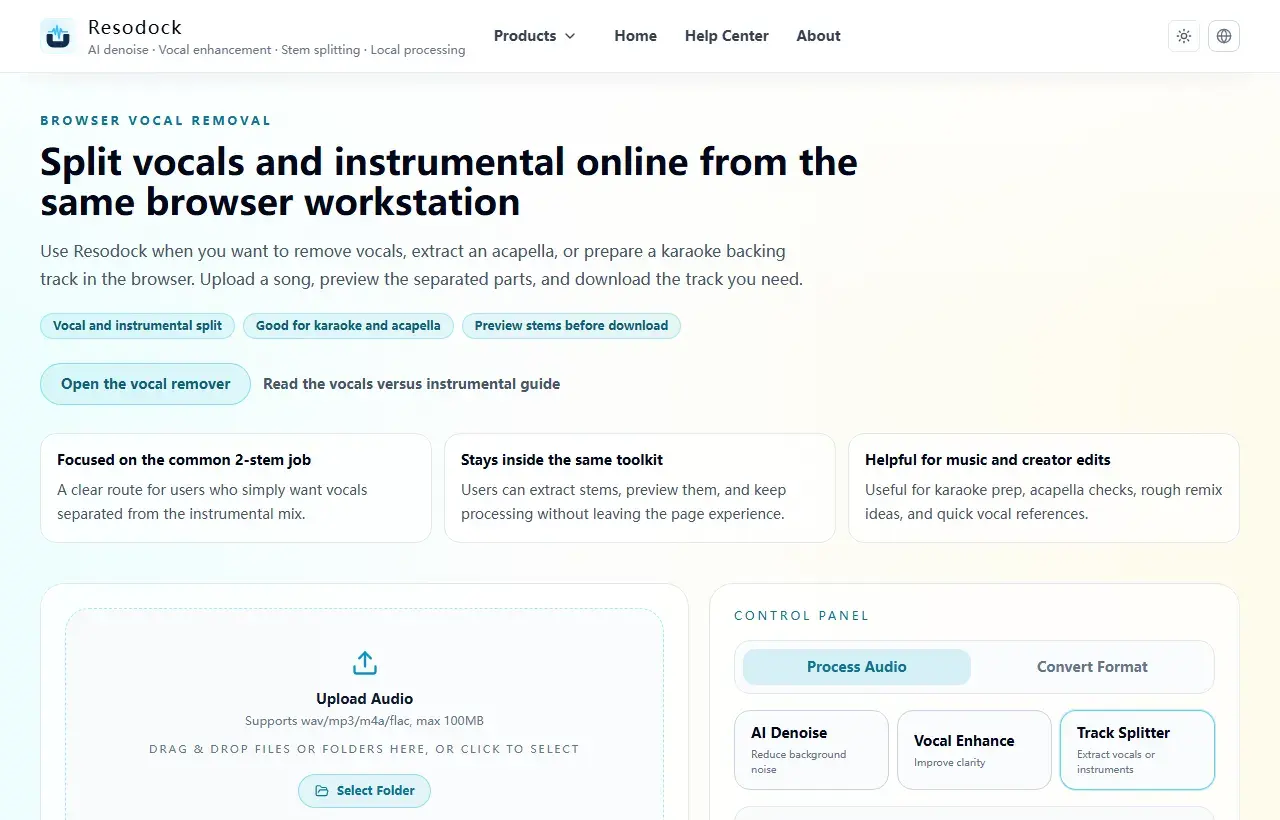
Split vocals and instrumental online from the same browser workstation
Separate vocals and instrumental online without a heavy setup. Use Resodock's browser-based vocal remover for karaoke prep, acapella extraction, and quick stem previews.
Define the output you need first
Common goals are extracting vocals, keeping instrumental, or splitting drums and bass for mixing and practice. Choosing the target output first makes mode selection faster.
Instead of reading long theory, focus on output type, track count, and download options because they directly affect the next steps of your workflow.
Split it
Separate vocals and instrumental first
When the article is about vocals, backing tracks, covers, or acapella material, two-stem separation is the fastest place to start.
- 1Open the vocal remover.
- 2Upload the music file.
- 3Start separation and let the browser generate the result.
- 4Preview vocals and instrumental separately, then download what you need.
How to choose basic vs advanced separation
Basic separation is best for a vocals/instrumental pair. Advanced separation is for users who need vocals, drums, bass, and other stems. Start with basic mode, then move to advanced if needed.
Stem naming affects downstream organization. Keeping names like vocals, instrumental, drums, bass, and other consistent helps avoid confusion in DAW projects.
What to watch when exporting
Confirm export format choices (WAV, MP3, FLAC, M4A) and ZIP download behavior in advance so you do not need to redo work after processing.
If you often do karaoke accompaniment, sample chopping, or large-folder separation, save dedicated workflows per task.
Summary
Before separating stems, decide what you need. Use two-stem separation for vocals and instrumental, and four-stem separation when drums, bass, and other parts matter.
Complex mixes can leave artifacts, so preview a short section first. Once the result is useful, download only the tracks you need for the next edit.
Related Articles
Stem Separation
Acapella Extractor and Vocal Isolator Online: How to Use a Vocal Remover
Acapella extraction can isolate vocals from audio you are allowed to process, but the result is usually a usable draft, not the original studio stem.
Stem Separation
How To Isolate Karaoke Instrumental For Free
From mode selection to export format, this guide helps you avoid broken instrumental artifacts.
Stem Separation
How To Extract Dialogue From Video Clips
From media import to dialogue export, this guide focuses on the shortest reliable path.
FAQ
What scenarios is stem separation best for?
It is great for vocal extraction, accompaniment creation, ear training, and pre-mix preparation. Decide your target stems first for more reliable results.
Should I check supported export formats in advance?
Yes. Export formats and ZIP structure directly affect downstream editing, archiving, and sharing efficiency.