Are Online Audio Converters Safe? 6 Checks Before You Use One
Use a practical checklist to evaluate privacy and data-safety risk before converting sensitive audio files.
Browser Audio Converter
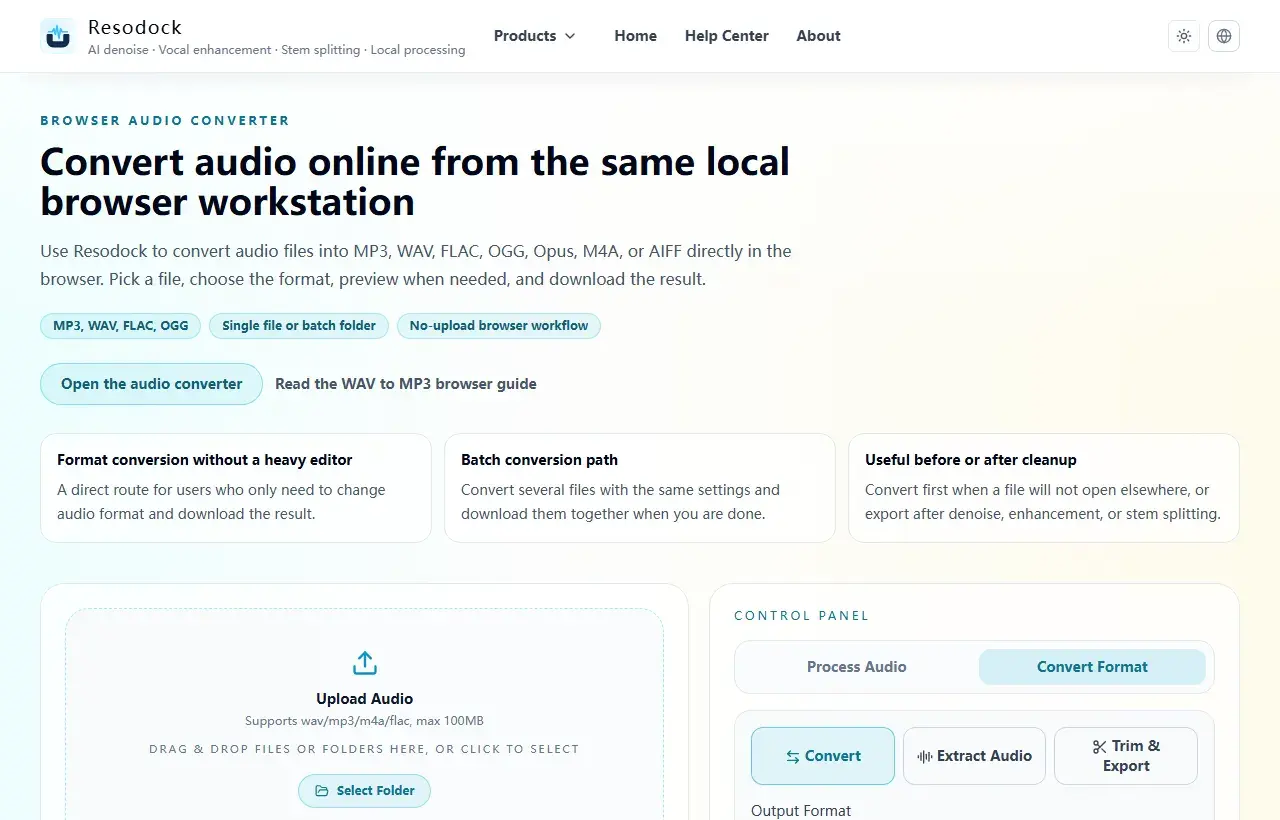
Convert audio online from the same local browser workstation
Convert audio files online in the browser. Export MP3, WAV, FLAC, OGG, Opus, M4A, or AIFF, with single-file and batch workflows that avoid uploading your audio.
Audit data flow first
Verify whether the tool states that raw audio is not uploaded and whether retention/deletion windows are explicit.
Check login requirements, third-party tracking scripts, and whether export triggers additional server-side operations.
Convert format
Convert audio into the format you need
When the article is about MP3, WAV, FLAC, M4A, size, or compatibility, you can convert the file directly in the browser.
- 1Open the audio converter.
- 2Upload the audio file.
- 3Choose the target format, such as MP3, WAV, FLAC, or M4A.
- 4Convert the file and download the result.
6-point quick checklist
Review privacy policy scope, processing method, retention period, deletion controls, log collection, and cross-border transfer notes.
For client or regulated recordings, prioritize local-first processing and keep an auditable workflow record.
Summary
For privacy-sensitive audio work, the key question is whether the raw file leaves your device and whether storage, deletion, and network behavior are clear.
For meetings, interviews, client material, or personal recordings, prefer browser-local processing and test the flow with a sample file first.
Related Articles
Privacy & Safety
Why Local Audio Processing Is Becoming The Default
For meetings, interviews, and client recordings, local processing is not just a feature claim; it is practical risk control.
Privacy & Safety
How To Choose Privacy-First Browser Audio Editors
You do not need a brand list first. You need a repeatable evaluation checklist.
Privacy & Safety
What WebAssembly Changes In Modern Audio Tools
You do not need low-level engineering details to evaluate whether a browser audio tool is production-ready.
FAQ
Is HTTPS alone enough to call a converter safe?
No. HTTPS secures transport, but does not guarantee retention limits or usage restrictions for uploaded files.
When should I insist on local processing?
Use local-first tools for client calls, internal meetings, legal/medical voice data, and any regulated workflow.