How To Choose Privacy-First Browser Audio Editors
A comparison framework for selecting browser audio tools with strong privacy and practical workflow fit.
Browser Audio Workstation
Open the privacy-first browser audio workstation
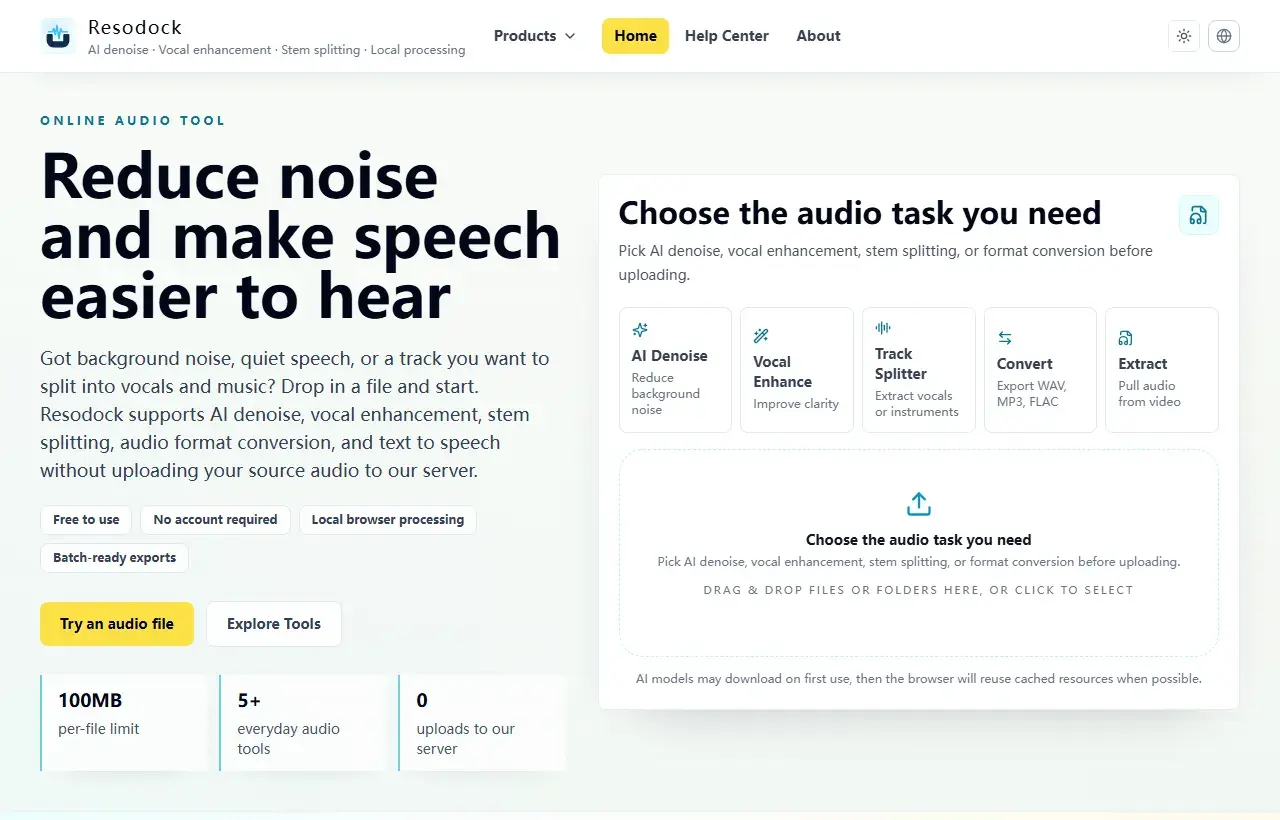
Process audio in the browser and keep the original file off the Resodock server, which is useful for meetings, interviews, and private recordings.
Step 1: define risk boundaries
Check whether raw files leave device, whether retention/deletion policy is explicit, and whether unnecessary tracking can be minimized.
For team usage, also verify permission control, activity visibility, and export-path auditability.
Back to the workstation
Choose a task, then upload the file
When an article mentions several workflows, the main workstation is the easiest place to start. Pick a task, upload the file, then preview and download the result.
- 1Open the Resodock workstation.
- 2Choose AI denoise, voice enhancement, stem separation, or format conversion.
- 3Upload the file and start processing.
- 4Preview the result and download it when ready.
Step 2: evaluate workflow efficiency
Under equal feature scope, prioritize stable latency, stronger batch support, and complete export format options.
Your final choice should be the fastest and most stable path that still meets privacy and compliance requirements.
Summary
For privacy-sensitive audio work, the key question is whether the raw file leaves your device and whether storage, deletion, and network behavior are clear.
For meetings, interviews, client material, or personal recordings, prefer browser-local processing and test the flow with a sample file first.
Related Articles
Privacy & Safety
Why Local Audio Processing Is Becoming The Default
For meetings, interviews, and client recordings, local processing is not just a feature claim; it is practical risk control.
Privacy & Safety
Are Online Audio Converters Safe? 6 Checks Before You Use One
The key issue is not just SSL. It is whether your raw audio is uploaded, retained, and reused.
Privacy & Safety
What WebAssembly Changes In Modern Audio Tools
You do not need low-level engineering details to evaluate whether a browser audio tool is production-ready.
FAQ
Are privacy and speed always a tradeoff?
Not always. Local-first architecture can improve both privacy posture and perceived performance.
What is most often missed during tool comparison?
Teams often compare features but skip retention/deletion and export-path risk checks.