How To Remove Hum And Hiss From Old Recordings
A restoration workflow for legacy recordings with hum and hiss while preserving speech intelligibility.
Browser Noise Removal
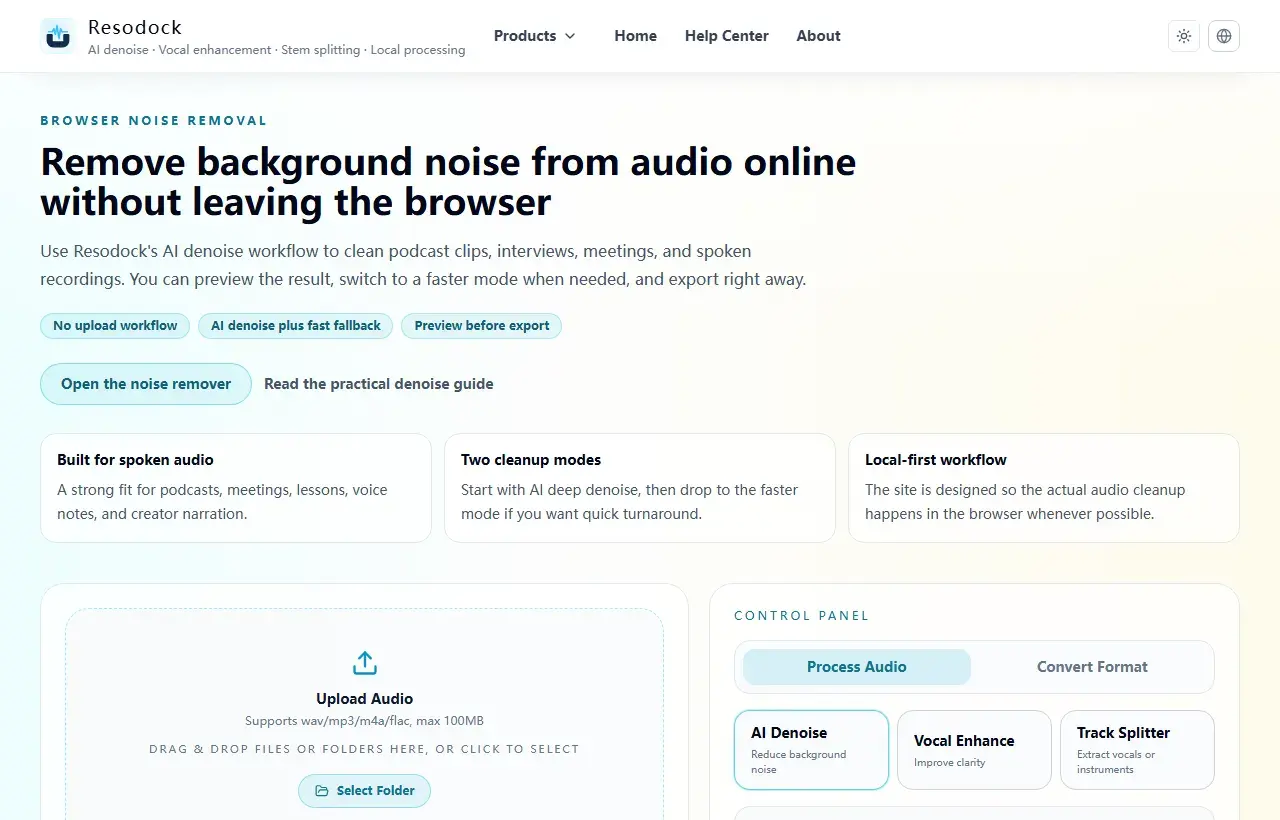
Remove background noise from audio online without leaving the browser
Remove background noise from audio online without uploading files. Clean podcasts, interviews, meetings, and voice recordings directly in your browser.
Handle steady noise first
Hum is often band-stable, so reduce that first, then address broadband hiss. This sequence tends to sound more natural.
Avoid heavy single-pass denoise. Two light passes with A/B checks are safer.
Try it now
Run a short pass in the noise remover
If this article matches your recording, process 15 to 30 seconds first. Listen to the before-and-after result, then decide whether to clean the full file.
- 1Open the noise remover and go to the upload area.
- 2Click the upload box or drag the recording into the page.
- 3Keep AI denoise selected, then start processing.
- 4Compare before and after. If the voice still sounds natural and the noise is lower, download the result.
Post-cleanup quality checks
Focus on consonant clarity and tail-end continuity so speech stays understandable, not just quiet.
Keep an intermediate export so you can roll back if later adjustments become too aggressive.
Summary
Before cleaning audio, identify the main problem: steady background noise, echo, wind, or distance from the microphone. Each one needs a different touch.
A short 15 to 30 second test is the safest start. If the voice still sounds natural, continue with the full file or add light voice enhancement only when needed.
Related Articles
Noise Removal
Remove Background Noise From Video Online: Extract Audio, Clean It, and Export
Video noise cleanup usually starts by pulling out the sound. Test 15 to 30 seconds first, make sure the voice still sounds natural, then process the full clip.
Noise Removal
How To Remove Background Noise From Audio Online Without Uploading Files
This guide tells you when to use AI denoise, when fast mode is enough, and how to download the result.
Noise Removal
How To Fix Echo And Reverb In Zoom Recordings
This guide is optimized for meeting speech: clearer voices without over-processing artifacts.
FAQ
Can old recordings be restored to modern studio quality?
Usually not fully. A practical target is clear, publishable, and natural enough for your use case.
Why does speech become blurry after denoise?
Most often because denoise intensity is too high. Reduce strength and process in smaller steps.