How to Denoise Audio Without Damaging Voice Quality
A practical denoise guide for podcasts, meetings, narration, and interviews focused on lowering noise without making speech sound dry, dull, or artificial.
Browser Noise Removal
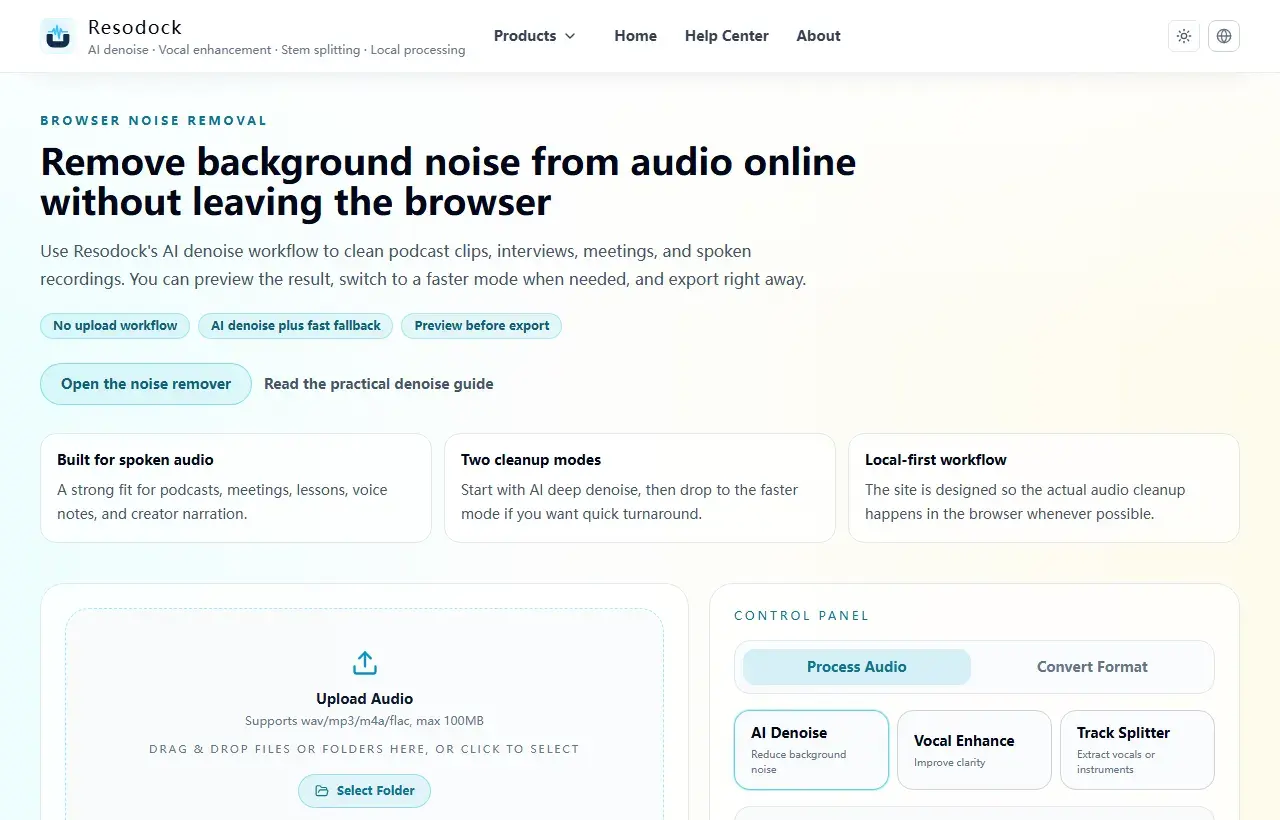
Remove background noise from audio online without leaving the browser
Remove background noise from audio online without uploading files. Clean podcasts, interviews, meetings, and voice recordings directly in your browser.
Why denoise can make speech sound worse
The most common reason is not a bad model. It is too much strength, the wrong processing order, or using denoise to solve a problem that is not really background noise. The result is dry speech, strange sibilants, flattened tails, and a more artificial voice.
So the real question is usually not whether you should use `max denoise`. It is whether the recording problem is steady noise, wind, echo, or general dullness. Those problems should not all be handled the same way.
Try it now
Run a short pass in the noise remover
If this article matches your recording, process 15 to 30 seconds first. Listen to the before-and-after result, then decide whether to clean the full file.
- 1Open the noise remover and go to the upload area.
- 2Click the upload box or drag the recording into the page.
- 3Keep AI denoise selected, then start processing.
- 4Compare before and after. If the voice still sounds natural and the noise is lower, download the result.
Match the strength to the actual noise type
If the problem is steady noise such as fan hum, AC noise, or a constant floor, denoise is a strong match. If the main issue is room echo, distance, or hollowness, pushing denoise harder usually will not fix it well.
Good denoise is not about deleting every trace of background sound. It is about dropping noise below the level where it distracts from understanding, while preserving the voice itself.
How to denoise without overprocessing
A safer method is to start at moderate strength and listen to the noisiest 10 to 20 seconds first, instead of maxing everything out. Check whether the floor drops, but also check sibilants, word endings, and natural phrase movement.
If the first pass is already good enough, stop there. In many cases, two light decisions are safer than one extreme pass.
Processing order often matters more than maximum power
If a recording has noise, echo, and dullness at the same time, solve the issue that hurts intelligibility the most first. Use denoise first for steady background noise, echo treatment first for reflective meeting audio, and only add light voice enhancement after that if needed.
A lot of people assume the tool is too weak when the real problem is that the order is wrong. The right sequence usually keeps the final voice more natural.
The simplest way to think about max denoise
Maximum strength does not mean maximum quality. Good denoise means the noise goes down and the speaker still sounds like a real person, not a sanded-down synthetic version.
If you are unsure whether to push harder, stop and compare A/B first. Preserving naturalness is usually the better finish line.
Summary
Before cleaning audio, identify the main problem: steady background noise, echo, wind, or distance from the microphone. Each one needs a different touch.
A short 15 to 30 second test is the safest start. If the voice still sounds natural, continue with the full file or add light voice enhancement only when needed.
Related Articles
Noise Removal
Remove Background Noise From Video Online: Extract Audio, Clean It, and Export
Video noise cleanup usually starts by pulling out the sound. Test 15 to 30 seconds first, make sure the voice still sounds natural, then process the full clip.
Noise Removal
How To Remove Background Noise From Audio Online Without Uploading Files
This guide tells you when to use AI denoise, when fast mode is enough, and how to download the result.
Noise Removal
How To Fix Echo And Reverb In Zoom Recordings
This guide is optimized for meeting speech: clearer voices without over-processing artifacts.
FAQ
Why can speech sound robotic after denoise?
Usually because the strength is too high, or because denoise is being used on echo or wind problems that need different treatment.
Is the cleanest possible result always the best?
No. Intelligibility, naturalness, and low artifact levels usually matter more than extreme cleanliness.
Should I denoise before voice enhancement?
In most cases, yes. Denoise first and add only light enhancement afterward if needed.
When is max denoise actually worth trying?
Only when the background noise is very heavy and moderate strength clearly is not enough, and even then it should be checked with A/B listening.