How to Clean Up an Audio File Online
A practical cleanup guide for podcasts, interviews, meetings, and narration showing how to denoise, reduce echo, improve clarity, and export the file in the right format.
Browser Noise Removal
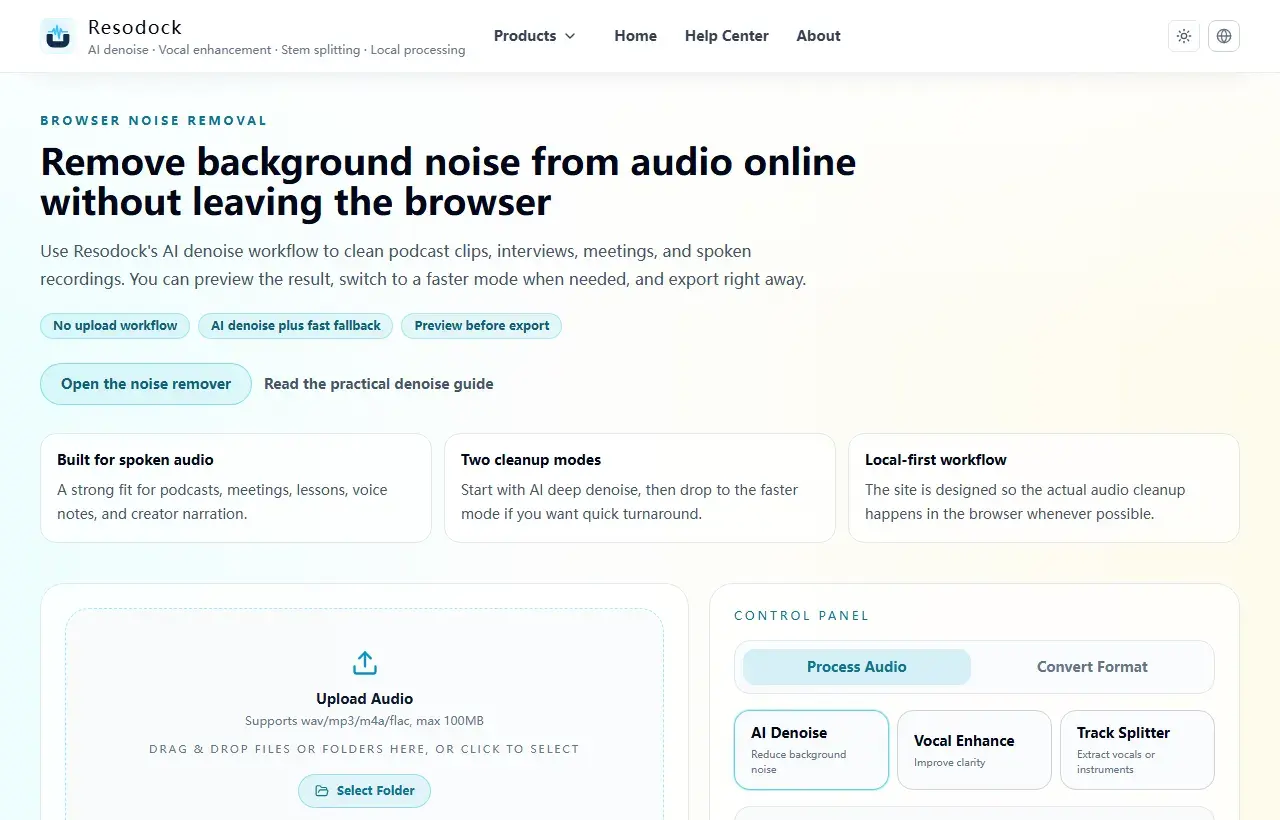
Remove background noise from audio online without leaving the browser
Remove background noise from audio online without uploading files. Clean podcasts, interviews, meetings, and voice recordings directly in your browser.
Start by identifying what is actually wrong
The first step in cleaning up an audio file is not choosing the strongest filter. It is identifying the real problem. Common issues include steady background noise, room echo, uneven loudness, dull speech, or simply the wrong export format for the job.
Once you separate those problems, the workflow becomes much easier. Many recordings sound bad not because they are hopeless, but because the processing order is wrong from the start.
Try it now
Run a short pass in the noise remover
If this article matches your recording, process 15 to 30 seconds first. Listen to the before-and-after result, then decide whether to clean the full file.
- 1Open the noise remover and go to the upload area.
- 2Click the upload box or drag the recording into the page.
- 3Keep AI denoise selected, then start processing.
- 4Compare before and after. If the voice still sounds natural and the noise is lower, download the result.
A reliable cleanup order: noise, echo, clarity, loudness
A stable workflow usually looks like this: reduce background noise first, check for echo or reverb next, improve voice clarity after that, and only then finalize loudness or output format. This order helps avoid over-processing and repeated rework.
If you jump straight into aggressive enhancement, the result can sound dry, sharp, or artificial. Clean the main problem first, then apply lighter polish.
What matters most when cleaning audio online
Online cleanup should not automatically mean lower privacy or weaker results. The important things are whether you can preview changes quickly, compare before and after, and keep as much of the work as possible inside the browser.
For podcasts, meetings, interviews, and lectures, the practical goal is not perfect silence. It is clearer speech, more stable listening, and an exported file that is easier to use afterward.
How to know when the file is actually clean enough
A cleaned-up audio file is not necessarily the most aggressively processed one. It is the one that is easiest to understand, shows the fewest processing artifacts, and fits the real use case. Meetings need intelligibility, narration needs natural consistency, and interviews need a good balance between presence and background control.
Before exporting, re-listen to the worst 10 to 20 seconds and also check the beginning and end. That gives you a much more reliable final judgment than previewing only an easy middle section.
The simplest way to think about audio cleanup
Cleaning up an audio file is not one button. It is a sequence of decisions about noise, echo, clarity, and output.
If the main issue is hiss or room noise, start with denoise. If it is meeting echo, fix that first. If the file still feels dull afterward, then add voice enhancement. The right order usually matters more than raw processing strength.
Summary
Before cleaning audio, identify the main problem: steady background noise, echo, wind, or distance from the microphone. Each one needs a different touch.
A short 15 to 30 second test is the safest start. If the voice still sounds natural, continue with the full file or add light voice enhancement only when needed.
Related Articles
Noise Removal
Remove Background Noise From Video Online: Extract Audio, Clean It, and Export
Video noise cleanup usually starts by pulling out the sound. Test 15 to 30 seconds first, make sure the voice still sounds natural, then process the full clip.
Noise Removal
How To Remove Background Noise From Audio Online Without Uploading Files
This guide tells you when to use AI denoise, when fast mode is enough, and how to download the result.
Noise Removal
How To Fix Echo And Reverb In Zoom Recordings
This guide is optimized for meeting speech: clearer voices without over-processing artifacts.
FAQ
Is cleaning up an audio file the same as denoising?
Not exactly. Denoise is only one step. Cleanup often also includes echo reduction, voice clarity improvement, loudness adjustment, and choosing the right export format.
Does online audio cleanup make the sound worse?
Not by default. The real factors are processing order, tool quality, and whether the file is being over-processed.
Should I denoise before voice enhancement?
In most cases, yes. Reduce the main noise first, then add lighter voice enhancement if needed.
When should I export MP3 and when should I keep WAV?
Use MP3 for publishing, sharing, or smaller files. Keep WAV when you still need editing flexibility, archiving, or maximum compatibility for further work.