How To Enhance Podcast And Interview Voice Clarity In The Browser
A browser-based guide for improving spoken-word recordings with local AI enhancement and practical preset choices.
Browser Voice Enhancement
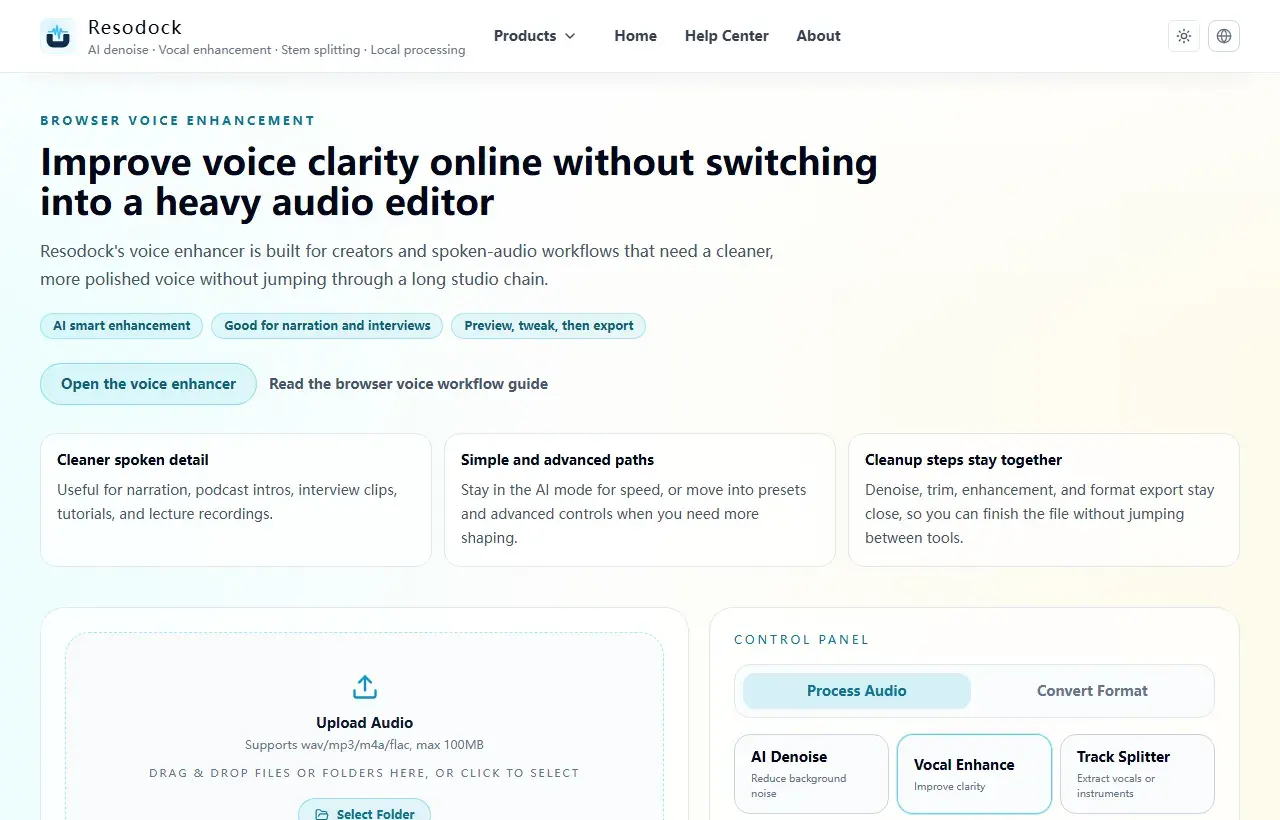
Improve voice clarity online without switching into a heavy audio editor
Enhance voice audio online without uploading files. Improve spoken clarity for podcasts, YouTube narration, interviews, and lecture recordings directly in your browser.
The core problem this guide solves
Many recordings are not very noisy, but voices still sound muffled, distant, or unclear.
In these cases, denoise alone is often not enough. Voice enhancement is needed to restore clarity and presence so speech becomes easier to understand.
Next step
Use voice enhancement for clearer speech
When the voice sounds muffled, distant, or uneven, start with voice enhancement. It improves intelligibility; it is not meant to fake a studio recording.
- 1Open the voice enhancer.
- 2Upload or drag in your recording.
- 3Run a short preview first.
- 4If the words become easier to understand, download the result or process the full file.
Recommended enhancement steps
Start by checking whether AI enhancement is needed, then choose between simple presets and advanced controls. In most cases, simple mode already improves intelligibility clearly.
If you want finer control, adjust high-pass, presence, compression threshold, and output gain one at a time so differences are easier to hear.
How to optimize next
After enhancement, if background noise is still obvious, run AI denoise next. If you have many files to process, switch to batch mode directly.
Common extended scenarios include podcasts, interviews, lecture recordings, voice-over, and call audio. Saving presets by scenario improves consistency and speed.
Summary
Voice enhancement is useful when speech sounds dull, distant, or uneven in volume. The goal is clearer speech, not an overprocessed recording.
If noise is obvious, denoise first and enhance lightly after that. If the noise is mild, enhance a short sample first and export only when it still sounds natural.
Related Articles
Voice Enhancement
AI Voice Enhancer Online: Make Speech Clearer in Your Browser
Start with a short voice sample, enhance clarity, compare the result, then export only if the speech still sounds natural.
Voice Enhancement
Voice Enhancer vs Noise Remover: Which One Should You Use First?
Choose denoise for steady background sound, voice enhancement for dull or distant speech, and a short A/B test when the problem is mixed.
Voice Enhancement
Podcast Audio Repair Online: Clean Noisy Speech Before You Publish
Repair the worst 30 seconds first, then apply the same restrained chain to the full podcast or interview file.
FAQ
Can voice enhancement be combined with denoise?
Yes. In most cases it is better to denoise first and enhance second so the final voice stays cleaner and more natural.
Do I need advanced parameters for voice enhancement?
Not always. Start with simple mode to get a usable result, then fine-tune only when needed for better efficiency and stability.