Best Settings For Acapella Vocal Extraction
A settings guide to reduce instrumental bleed and artifacts when extracting acapella vocals.
Browser Vocal Removal
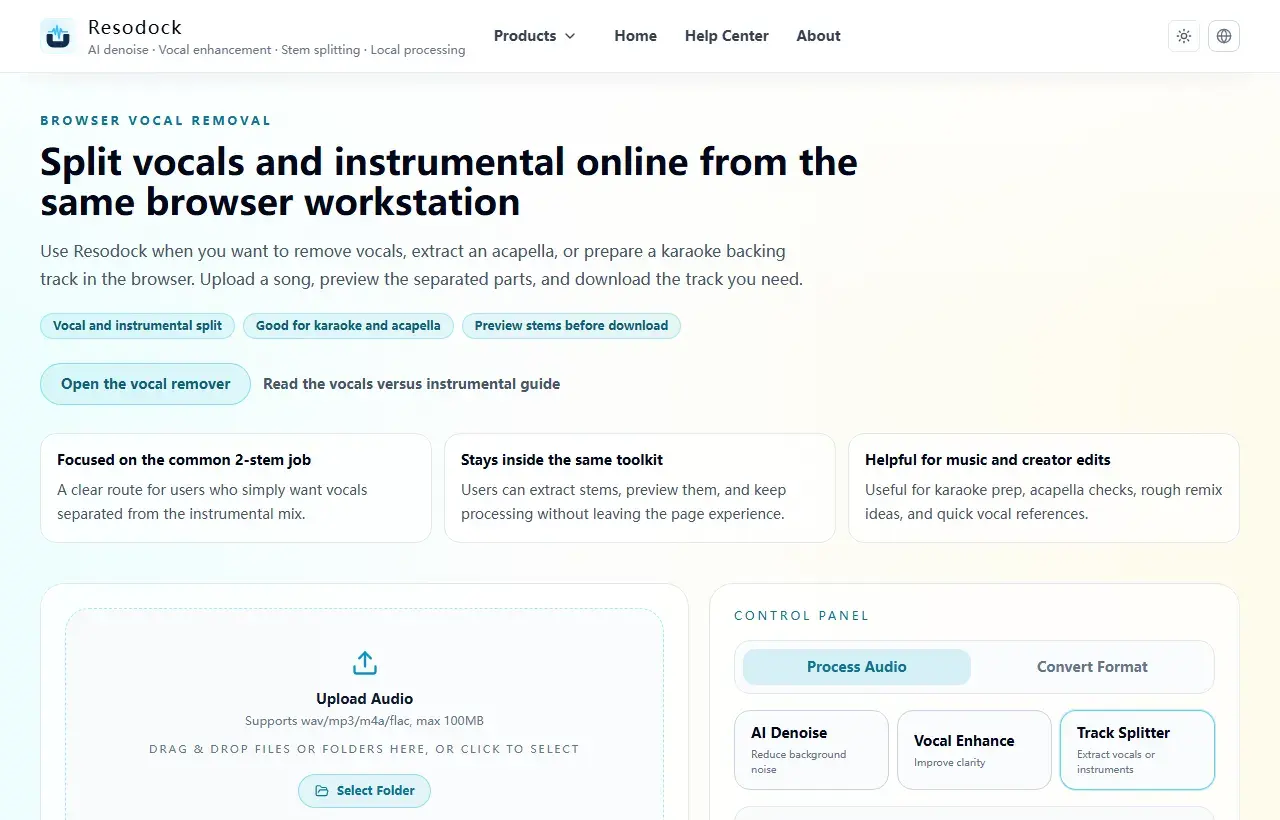
Split vocals and instrumental online from the same browser workstation
Separate vocals and instrumental online without a heavy setup. Use Resodock's browser-based vocal remover for karaoke prep, acapella extraction, and quick stem previews.
Settings strategy: stability before polish
Start with default or medium intensity to get a stable vocal stem, then apply light cleanup for remaining bleed.
Max-intensity extraction can sound cleaner at first glance but often introduces brittle consonants and thin tone.
Split it
Separate vocals and instrumental first
When the article is about vocals, backing tracks, covers, or acapella material, two-stem separation is the fastest place to start.
- 1Open the vocal remover.
- 2Upload the music file.
- 3Start separation and let the browser generate the result.
- 4Preview vocals and instrumental separately, then download what you need.
How to evaluate output quality
Audit chorus peaks, breaths, and phrase tails. These sections reveal separation weakness quickly.
Before final export, apply gentle level normalization to improve downstream mix compatibility.
Summary
Before separating stems, decide what you need. Use two-stem separation for vocals and instrumental, and four-stem separation when drums, bass, and other parts matter.
Complex mixes can leave artifacts, so preview a short section first. Once the result is useful, download only the tracks you need for the next edit.
Related Articles
Stem Separation
Acapella Extractor and Vocal Isolator Online: How to Use a Vocal Remover
Acapella extraction can isolate vocals from audio you are allowed to process, but the result is usually a usable draft, not the original studio stem.
Stem Separation
How To Split Vocals And Instrumental Online And Export Multiple Stems
If you want vocals, instrumental, or full stems quickly, this guide focuses on mode selection and export steps.
Stem Separation
How To Isolate Karaoke Instrumental For Free
From mode selection to export format, this guide helps you avoid broken instrumental artifacts.
FAQ
Why is there still instrumental bleed in my vocal stem?
Dense arrangement sections are harder to isolate. Use moderate separation first, then light targeted cleanup.
Is stronger separation always better?
No. Over-aggressive settings can damage vocal tone and reduce overall mix quality.