Batch Audio Normalization Across Multiple Files
A practical guide to make multi-file audio sets consistent for podcasts, courses, and serialized content.
Browser Audio Workstation
Open the browser workstation for batch audio processing
Choose several files or a whole folder, apply the same task, then preview and download the results as a ZIP package.
Why batch normalization matters
In multi-file projects, inconsistent baseline loudness forces listeners to constantly adjust volume.
Normalization improves professionalism and makes long-form playback smoother.
Back to the workstation
Choose a task, then upload the file
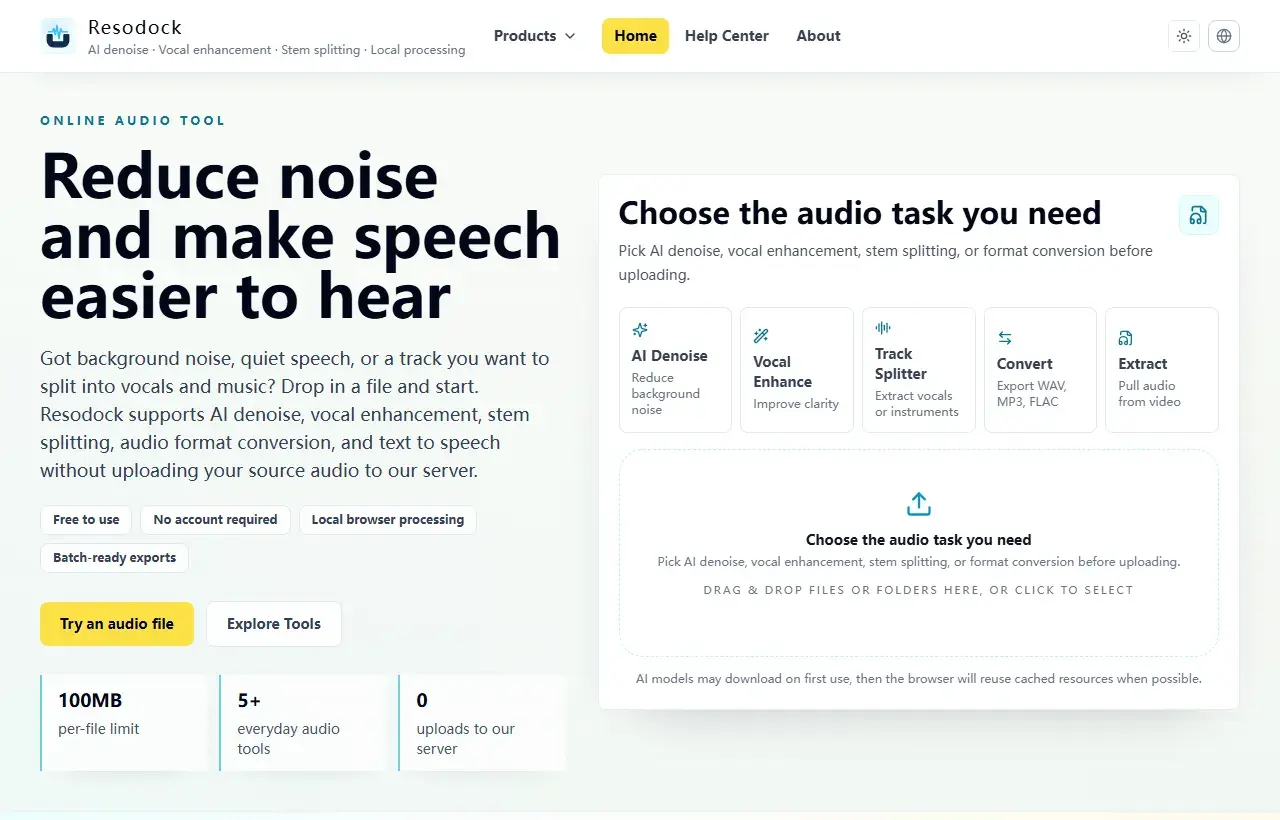
When an article mentions several workflows, the main workstation is the easiest place to start. Pick a task, upload the file, then preview and download the result.
- 1Open the Resodock workstation.
- 2Choose AI denoise, voice enhancement, stem separation, or format conversion.
- 3Upload the file and start processing.
- 4Preview the result and download it when ready.
Execution tips
Process files by source groups first, run random spot-check listening, then export with standardized format and naming.
If some clips are noisy, denoise before normalization so you do not raise noise floor along with speech.
Summary
Batch processing is risky when you process everything before checking the settings. Test a few files first and confirm quality, naming, export format, and ZIP structure.
Once the rules look right, upload the full folder for similar denoise, enhancement, conversion, or separation tasks.
Related Articles
Batch Workflow
How To Batch Process An Entire Folder Of Audio Files In The Browser
Best for processing a whole folder at once, from drag-and-drop import to ZIP download.
Text to Speech
What Is Kokoro-82M? Why It Fits Browser Text to Speech
Kokoro-82M is not a giant cloud voice system. It is a smaller open speech model that fits short text previews, English narration, and browser-based local generation.
Text to Speech
Why Kokoro-82M Online Speech Can Be Slow: Models, Cache, and Progress
Kokoro-82M may download a model on first use, then feel faster later. Knowing what cache and progress mean makes the wait less confusing.
FAQ
Does normalization hurt audio quality?
When applied reasonably, it mainly changes loudness and should not degrade quality significantly.
Denoise first or normalize first?
In most cases, denoise first, then normalize for cleaner and more consistent output.