What Is M4A Format?
A quick format explainer for everyday users and Apple listeners covering what M4A is, how it relates to MP3, WAV, and AAC, and when it makes sense to use it.
Related Topics
Browser Audio Converter
Convert audio online from the same local browser workstation
Convert audio files online in the browser. Export MP3, WAV, FLAC, OGG, Opus, M4A, or AIFF, with single-file and batch workflows that avoid uploading your audio.
What M4A actually is
M4A is a common audio file extension, most often used for AAC audio and sometimes used for ALAC as well. For most people, the simplest way to think about it is as a modern audio container commonly seen in Apple-friendly workflows.
So the short answer to `What is M4A format?` is this: M4A is usually a compact, playback-friendly audio format wrapper that is very common on phones and Apple devices.
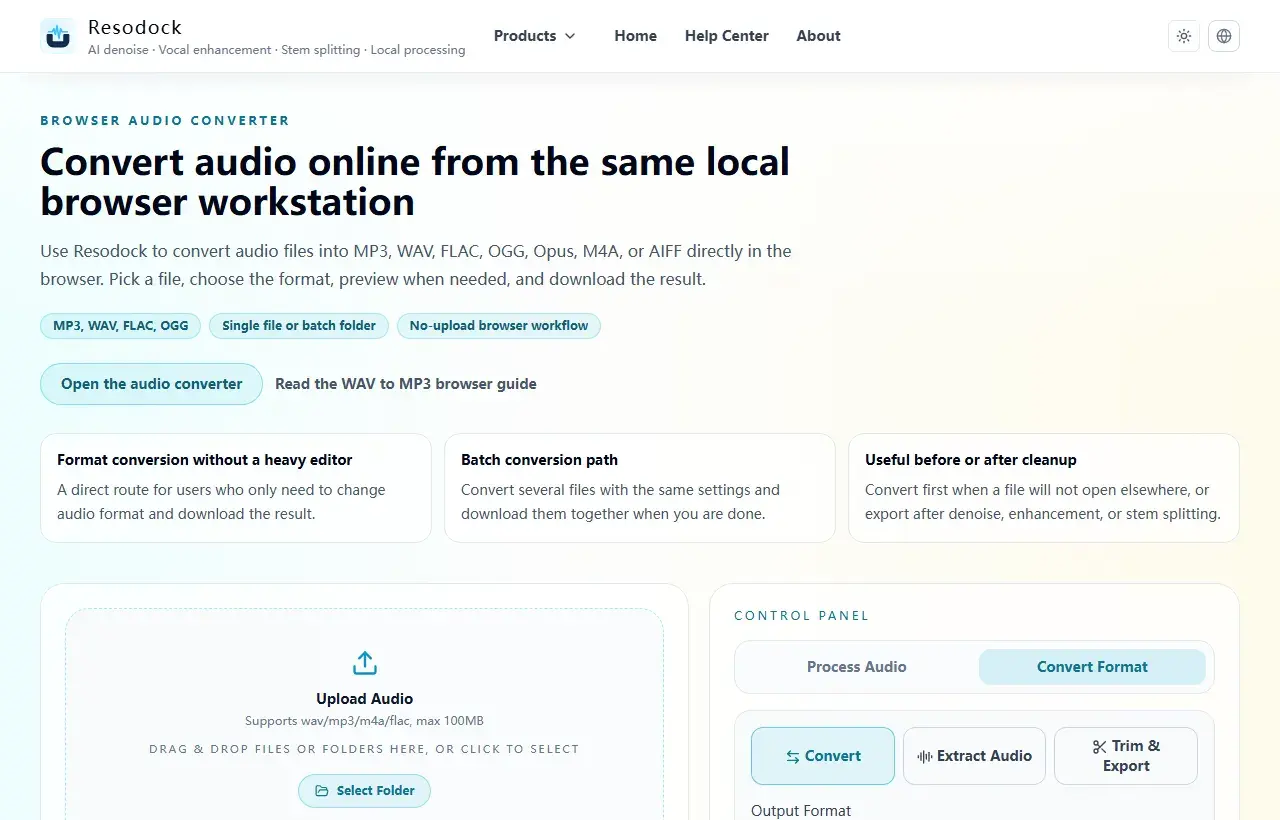
Convert format
Convert audio into the format you need
When the article is about MP3, WAV, FLAC, M4A, size, or compatibility, you can convert the file directly in the browser.
- 1Open the audio converter.
- 2Upload the audio file.
- 3Choose the target format, such as MP3, WAV, FLAC, or M4A.
- 4Convert the file and download the result.
Is M4A lossy or lossless?
Most M4A files people encounter are lossy because they usually contain AAC audio. But the `.m4a` extension itself does not guarantee lossy audio, because it can also carry ALAC in some cases.
That is why the codec inside the file matters more than the extension alone when you are thinking about quality.
How M4A differs from MP3 and WAV
Compared with MP3, M4A often appears as AAC and usually offers better efficiency at similar file sizes. Compared with WAV, M4A is much smaller and easier to share, but it does not automatically preserve the full uncompressed source.
If you need long-term editing flexibility or archive-quality preservation, WAV is safer. If you need practical playback and smaller files, M4A is often the easier choice.
When M4A makes sense
M4A is a good choice when you want smaller files for phone playback, sharing, uploading, or casual listening. It also fits naturally into Apple-heavy device environments.
If you still plan to edit aggressively, keep masters, or avoid generation loss across multiple exports, a less compressed format such as WAV or a lossless archive format may be better.
The easiest way to think about M4A format
Think of M4A as a modern audio file wrapper that most often contains AAC and is optimized for convenient everyday listening.
If your goal is compact size and easy playback, M4A is practical. If your goal is maximum editing headroom or lossless preservation, it is usually not the first choice.
Summary
There is no single best audio format. MP3 and M4A work well for sharing and everyday playback, while WAV and FLAC are better for editing and cleanup.
Convert a short sample first to check quality, size, and compatibility. Then export the full file or batch once the settings make sense.
Related Articles
Format Conversion
Online Audio Converter Guide: MP3, WAV, FLAC, and M4A Made Simple
Not sure whether to choose MP3 or WAV? Start with the use case: sharing, editing, archiving, or batch conversion.
Format Conversion
How To Extract Audio From Video: MP4 to MP3, Screen Recordings, and Clips
Extracting the audio track is useful for replaying lessons, organizing interviews, preparing subtitles, and reusing editing material.
Format Conversion
Trim Audio Online Free: A Simple Way to Cut Audio in Your Browser
Online audio trimming does not need a full editor. Upload the file, choose start and end times, preview the clip, and export.
FAQ
Is M4A always better than MP3 in sound quality?
Not automatically, but AAC inside M4A is often more efficient than MP3 at similar file sizes.
Can M4A be lossless?
Yes, if it contains ALAC. But most everyday M4A files people see still contain AAC.
Why is M4A so common on iPhone?
Because it fits naturally into Apple playback workflows and is much more storage-friendly than WAV for daily use.
Should I keep M4A for editing work?
If heavy editing is still ahead, keep WAV or a lossless master and treat M4A as the delivery version.