What Is ALAC Format?
A quick guide for Apple users and lossless-audio beginners explaining what ALAC is, how it differs from FLAC, AAC, and WAV, and when it is worth using.
Browser Audio Converter
Convert audio online from the same local browser workstation
Convert audio files online in the browser. Export MP3, WAV, FLAC, OGG, Opus, M4A, or AIFF, with single-file and batch workflows that avoid uploading your audio.
What ALAC actually is
ALAC stands for Apple Lossless Audio Codec. It is Apple’s lossless audio compression format, designed to keep full audio fidelity while using less storage than uncompressed WAV files.
So the short answer to `What is ALAC format?` is this: ALAC is a lossless audio format commonly used in Apple-focused music libraries and playback workflows.
Convert format
Convert audio into the format you need
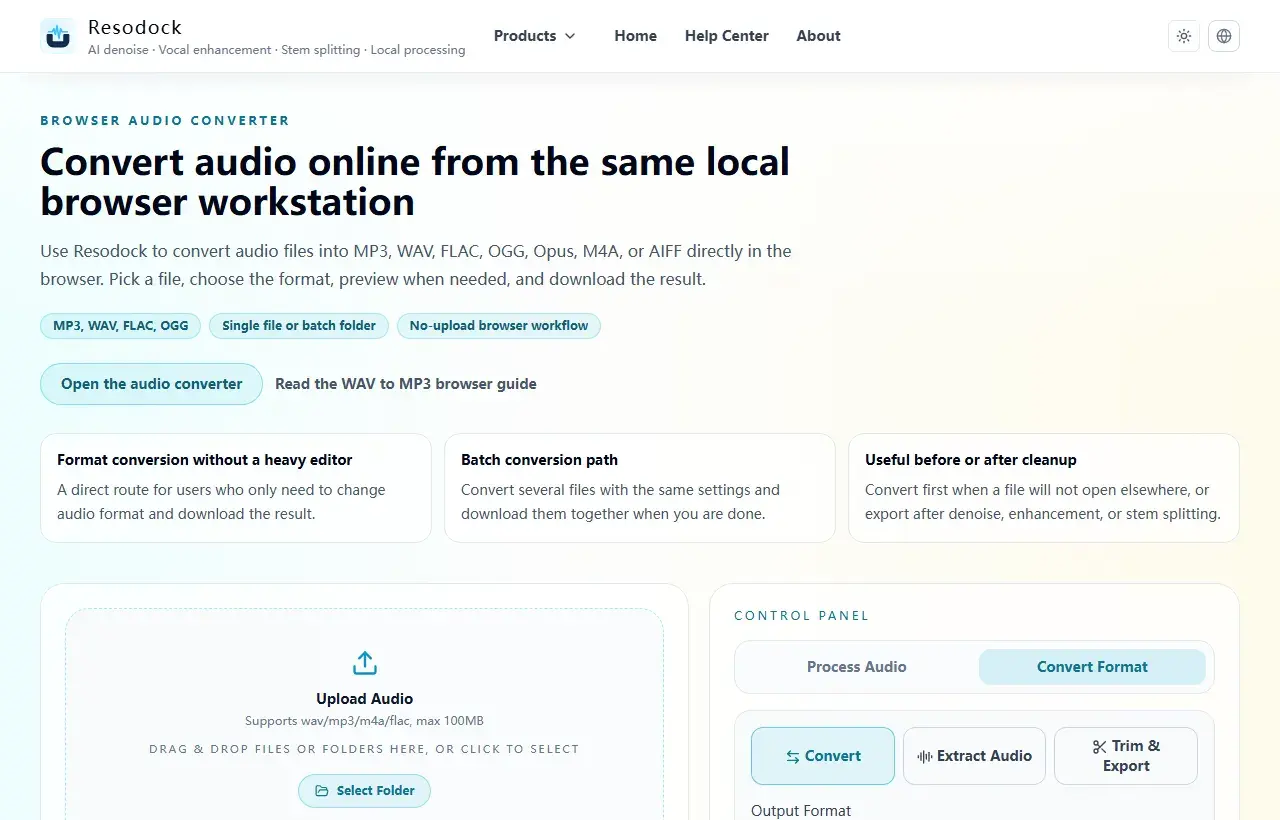
When the article is about MP3, WAV, FLAC, M4A, size, or compatibility, you can convert the file directly in the browser.
- 1Open the audio converter.
- 2Upload the audio file.
- 3Choose the target format, such as MP3, WAV, FLAC, or M4A.
- 4Convert the file and download the result.
Is ALAC a lossless format?
Yes. ALAC is lossless, which means the decoded audio can reproduce the original PCM data without throwing away detail. In practice, the format itself should not reduce sound quality.
People often confuse ALAC with AAC. AAC is a lossy format built for smaller files and streaming efficiency, while ALAC is built for quality preservation and archive-friendly playback.
How ALAC differs from FLAC, WAV, and AAC
Compared with FLAC, ALAC is still lossless and usually equal in sound quality. The difference is mostly about ecosystem support: ALAC fits Apple devices more naturally, while FLAC is more common across open and cross-platform setups.
Compared with WAV, ALAC saves storage space while staying lossless. Compared with AAC, ALAC preserves the full signal but produces larger files.
When ALAC is the right choice
ALAC makes the most sense when your main devices are iPhone, iPad, or Mac and you manage local music inside Apple software. It is a strong fit for CD rips, purchased lossless files, and high-quality personal libraries inside the Apple ecosystem.
If your files need to move constantly between Windows, Android, Linux, NAS systems, and third-party players, FLAC is often the more flexible default format.
The simplest way to think about ALAC format
The easiest mental model is that ALAC is Apple’s practical lossless format. It is not automatically better than every alternative, but it is a very natural choice for Apple-first listening and library management.
If your next question is `ALAC vs FLAC`, focus on compatibility and workflow instead of expecting a built-in sound-quality winner.
Summary
There is no single best audio format. MP3 and M4A work well for sharing and everyday playback, while WAV and FLAC are better for editing and cleanup.
Convert a short sample first to check quality, size, and compatibility. Then export the full file or batch once the settings make sense.
Related Articles
Format Conversion
Online Audio Converter Guide: MP3, WAV, FLAC, and M4A Made Simple
Not sure whether to choose MP3 or WAV? Start with the use case: sharing, editing, archiving, or batch conversion.
Format Conversion
How To Extract Audio From Video: MP4 to MP3, Screen Recordings, and Clips
Extracting the audio track is useful for replaying lessons, organizing interviews, preparing subtitles, and reusing editing material.
Format Conversion
Trim Audio Online Free: A Simple Way to Cut Audio in Your Browser
Online audio trimming does not need a full editor. Upload the file, choose start and end times, preview the clip, and export.
FAQ
Is ALAC basically Apple’s version of FLAC?
That is a reasonable shortcut. Both are lossless, but ALAC is more Apple-native while FLAC is more broadly cross-platform.
Does ALAC sound better than MP3?
At the format level, yes, because ALAC is lossless and MP3 is lossy. In real listening, the source and playback chain still matter too.
Why are ALAC files larger than AAC files?
Because ALAC keeps the full signal, while AAC reduces file size by discarding some audio information.
If I am an Apple user, do I still need to care about FLAC?
If you stay entirely inside Apple devices, ALAC may be enough. If your files also need to travel elsewhere, FLAC is still worth understanding.