FLAC vs ALAC: Practical Lossless Conversion Guide
Choose the right lossless format for Apple-centric or cross-platform workflows without trial-and-error.
Browser Audio Converter
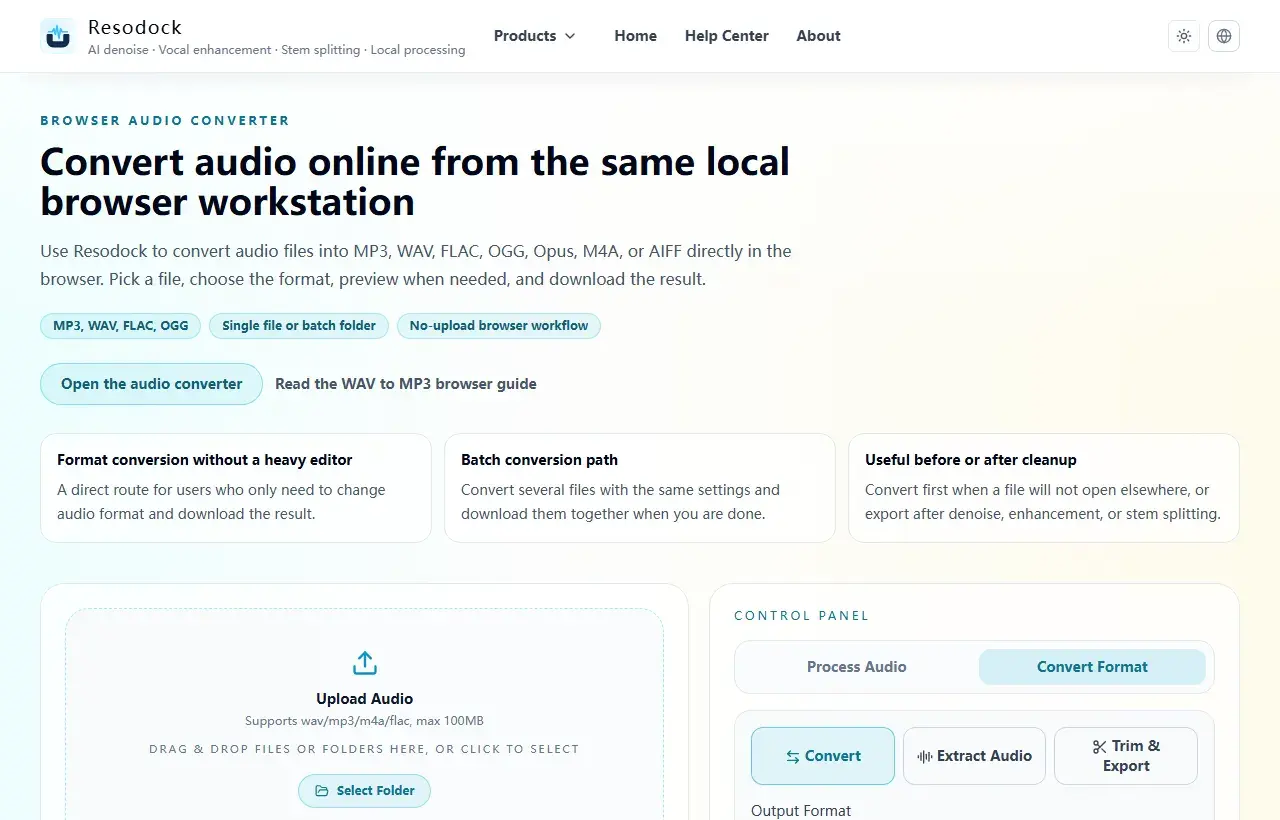
Convert audio online from the same local browser workstation
Convert audio files online in the browser. Export MP3, WAV, FLAC, OGG, Opus, M4A, or AIFF, with single-file and batch workflows that avoid uploading your audio.
Prioritize ecosystem compatibility
FLAC is generally easier for mixed-platform environments, while ALAC can be smoother in Apple-first workflows.
Both are lossless. The deciding factor is support across your players, editors, and sync pipeline.
Convert format
Convert audio into the format you need
When the article is about MP3, WAV, FLAC, M4A, size, or compatibility, you can convert the file directly in the browser.
- 1Open the audio converter.
- 2Upload the audio file.
- 3Choose the target format, such as MP3, WAV, FLAC, or M4A.
- 4Convert the file and download the result.
Conversion workflow tips
Keep the original master and create target-format copies to avoid repeated round-trip conversions.
For batch conversion, standardize sample rate and naming conventions for easier long-term library management.
Summary
There is no single best audio format. MP3 and M4A work well for sharing and everyday playback, while WAV and FLAC are better for editing and cleanup.
Convert a short sample first to check quality, size, and compatibility. Then export the full file or batch once the settings make sense.
Related Articles
Format Conversion
Online Audio Converter Guide: MP3, WAV, FLAC, and M4A Made Simple
Not sure whether to choose MP3 or WAV? Start with the use case: sharing, editing, archiving, or batch conversion.
Format Conversion
How To Extract Audio From Video: MP4 to MP3, Screen Recordings, and Clips
Extracting the audio track is useful for replaying lessons, organizing interviews, preparing subtitles, and reusing editing material.
Format Conversion
Trim Audio Online Free: A Simple Way to Cut Audio in Your Browser
Online audio trimming does not need a full editor. Upload the file, choose start and end times, preview the clip, and export.
FAQ
Is there a fundamental quality difference between FLAC and ALAC?
Both are lossless when encoded correctly. Perceived differences usually come from playback chain, not format design.
Should I keep both formats?
A common strategy is one lossless master plus scenario-specific target copies.