ALAC vs FLAC: Which Audio Format Should You Choose?
A practical comparison for music libraries, Apple devices, and cross-platform archives covering sound quality, size, compatibility, and workflow tradeoffs.
Browser Audio Converter
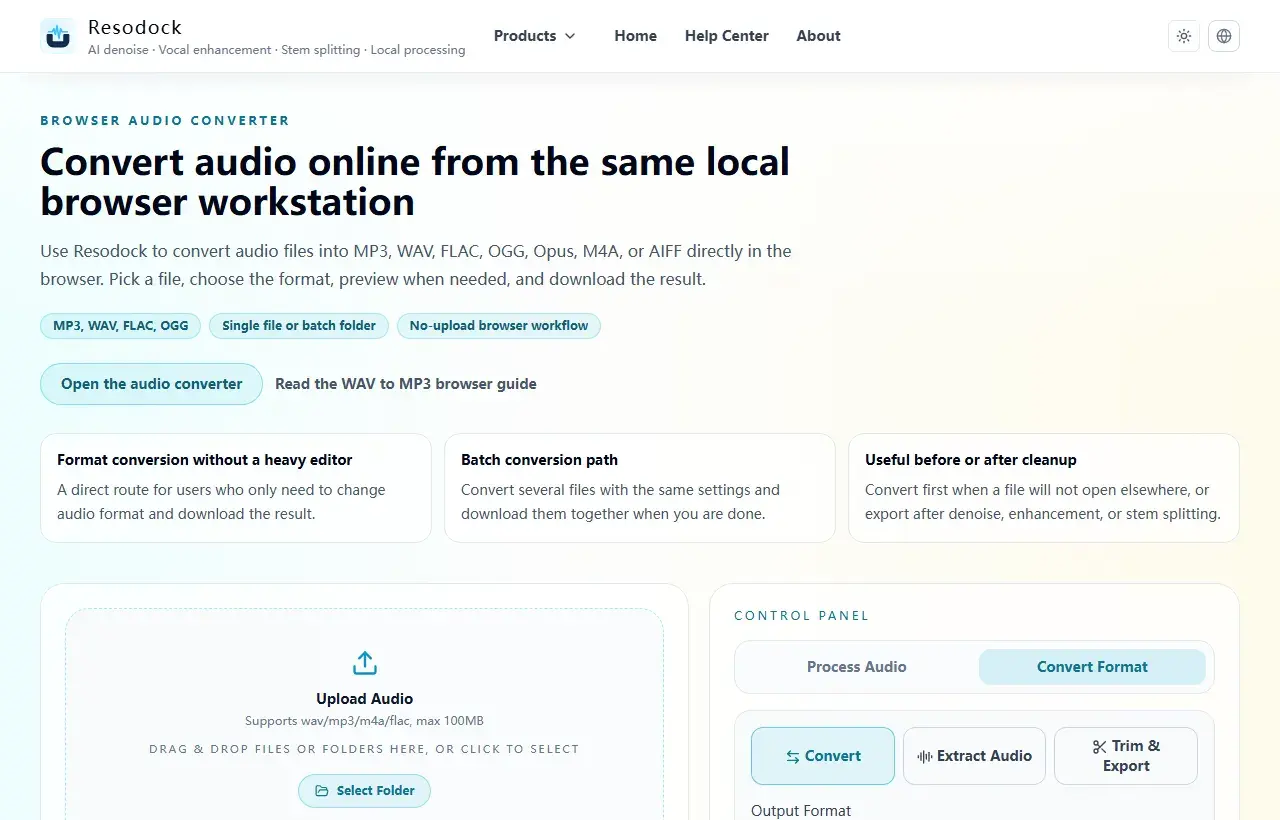
Convert audio online from the same local browser workstation
Convert audio files online in the browser. Export MP3, WAV, FLAC, OGG, Opus, M4A, or AIFF, with single-file and batch workflows that avoid uploading your audio.
What ALAC and FLAC actually are
ALAC stands for Apple Lossless Audio Codec. FLAC stands for Free Lossless Audio Codec. Both are lossless compression formats, which means the decoded audio can reproduce the original PCM data without quality loss.
For most people, ALAC vs FLAC is not really a sound-quality debate. It is a compatibility and workflow decision based on where you listen, how you manage your library, and whether you need long-term cross-platform access.
Convert format
Convert audio into the format you need
When the article is about MP3, WAV, FLAC, M4A, size, or compatibility, you can convert the file directly in the browser.
- 1Open the audio converter.
- 2Upload the audio file.
- 3Choose the target format, such as MP3, WAV, FLAC, or M4A.
- 4Convert the file and download the result.
ALAC vs FLAC differences at a glance
The short version is simple: sound quality is usually a tie, but ecosystem support is not. ALAC fits naturally into Apple devices and Music.app libraries, while FLAC is more widely supported across Windows, Android, Linux, NAS setups, hi-fi players, and open music tools.
The practical differences are mostly about native playback support, library management, and portability. FLAC is the more universal archive choice. ALAC is often the easier choice when Apple devices are the center of your listening setup.
Do ALAC and FLAC sound the same?
Yes, in normal use they should sound the same. Both formats are lossless, so if the source is identical and no extra processing is applied, you should not expect one format to sound more detailed, warmer, or cleaner than the other.
People sometimes confuse format differences with mastering differences. If two files sound different, the reason is usually the source, metadata, playback chain, or conversion settings, not the fact that one file is ALAC and the other is FLAC.
File size, Apple support, and everyday workflow
FLAC often compresses a little more efficiently than ALAC, but the size difference is usually modest. In most real libraries, that gap is too small to outweigh compatibility needs.
If your day-to-day listening happens on iPhone, iPad, or Mac and you manage local files inside Apple software, ALAC is usually the smoother option. If your files move between different operating systems or players, FLAC is usually the safer long-term format.
When to choose ALAC and when to choose FLAC
Choose ALAC when Apple hardware is your primary environment and you want the least friction with import, sync, and playback. Choose FLAC when you want a master archive, broader third-party support, or a library that can travel between platforms without special handling.
A practical rule is this: let your playback environment decide your delivery format, and let long-term flexibility decide your archive format. For many people that means FLAC for the archive and ALAC only when Apple-specific convenience matters.
Summary
There is no single best audio format. MP3 and M4A work well for sharing and everyday playback, while WAV and FLAC are better for editing and cleanup.
Convert a short sample first to check quality, size, and compatibility. Then export the full file or batch once the settings make sense.
Related Articles
Format Conversion
Online Audio Converter Guide: MP3, WAV, FLAC, and M4A Made Simple
Not sure whether to choose MP3 or WAV? Start with the use case: sharing, editing, archiving, or batch conversion.
Format Conversion
How To Extract Audio From Video: MP4 to MP3, Screen Recordings, and Clips
Extracting the audio track is useful for replaying lessons, organizing interviews, preparing subtitles, and reusing editing material.
Format Conversion
Trim Audio Online Free: A Simple Way to Cut Audio in Your Browser
Online audio trimming does not need a full editor. Upload the file, choose start and end times, preview the clip, and export.
FAQ
Which one sounds better, ALAC or FLAC?
Neither should sound better in normal use. Both are lossless, so with the same source and correct conversion settings, audible quality should be effectively identical.
Why do many people still recommend FLAC?
Mostly because FLAC has broader support across platforms, players, servers, and tagging workflows. That makes it a stronger archive format, not a higher-quality one.
Should Apple users always choose ALAC?
Not always. ALAC is often the smoother choice inside Apple-only workflows, but FLAC can still be the better master format if your files also need to travel elsewhere.
Does converting between ALAC and FLAC reduce quality?
Not if the conversion stays lossless and no extra processing is added. Quality loss usually happens only when a lossy format enters the chain.